


Mac · Utilities

Unclut.

A native macOS desktop app for MacBook and iMac. Review clutter, manage apps, and understand disk space.
macOS 14+ Apple Silicon (M1–M4) & IntelFive tools one place
CleanUninstallOptimizeAnalyzeStatus

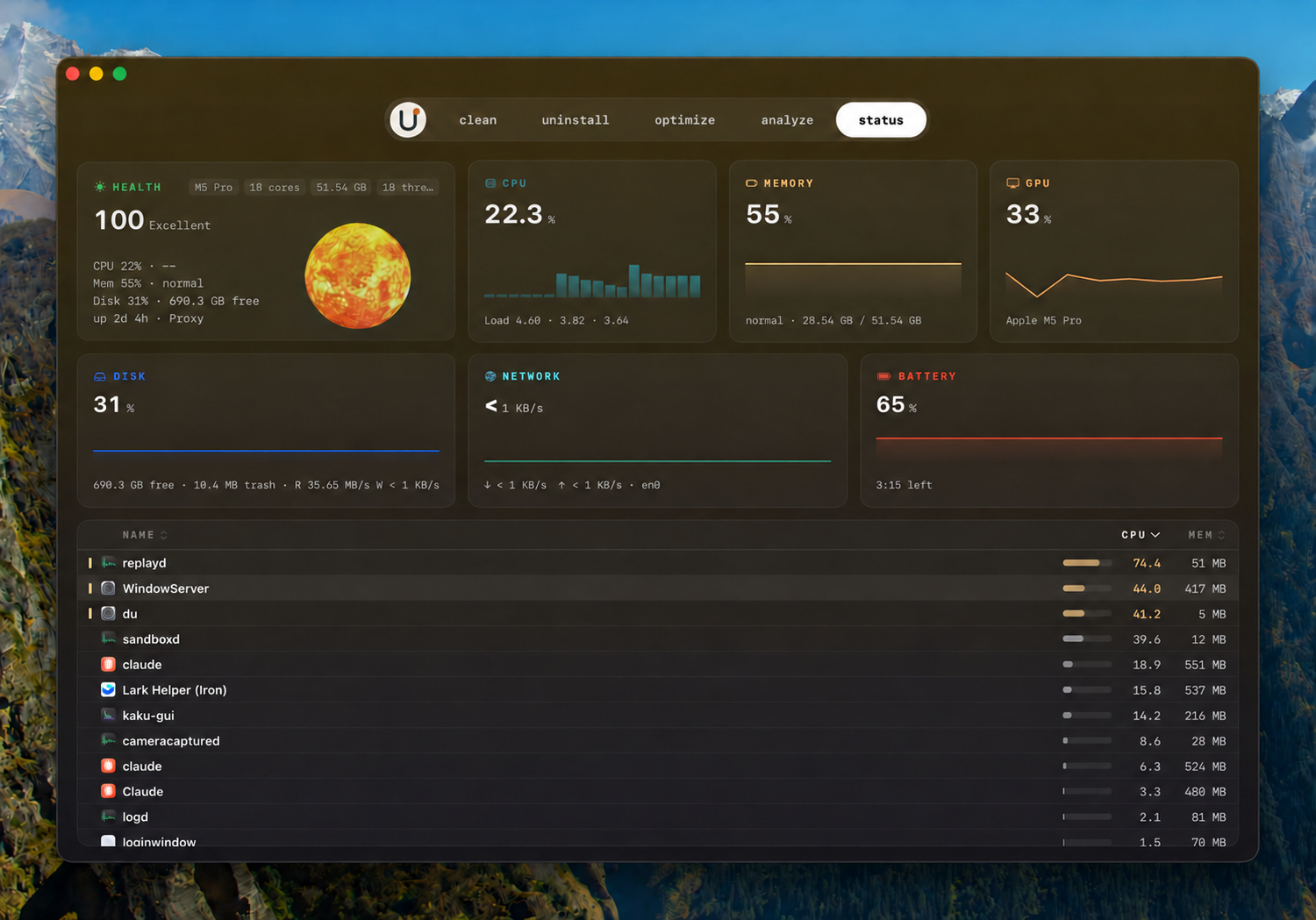
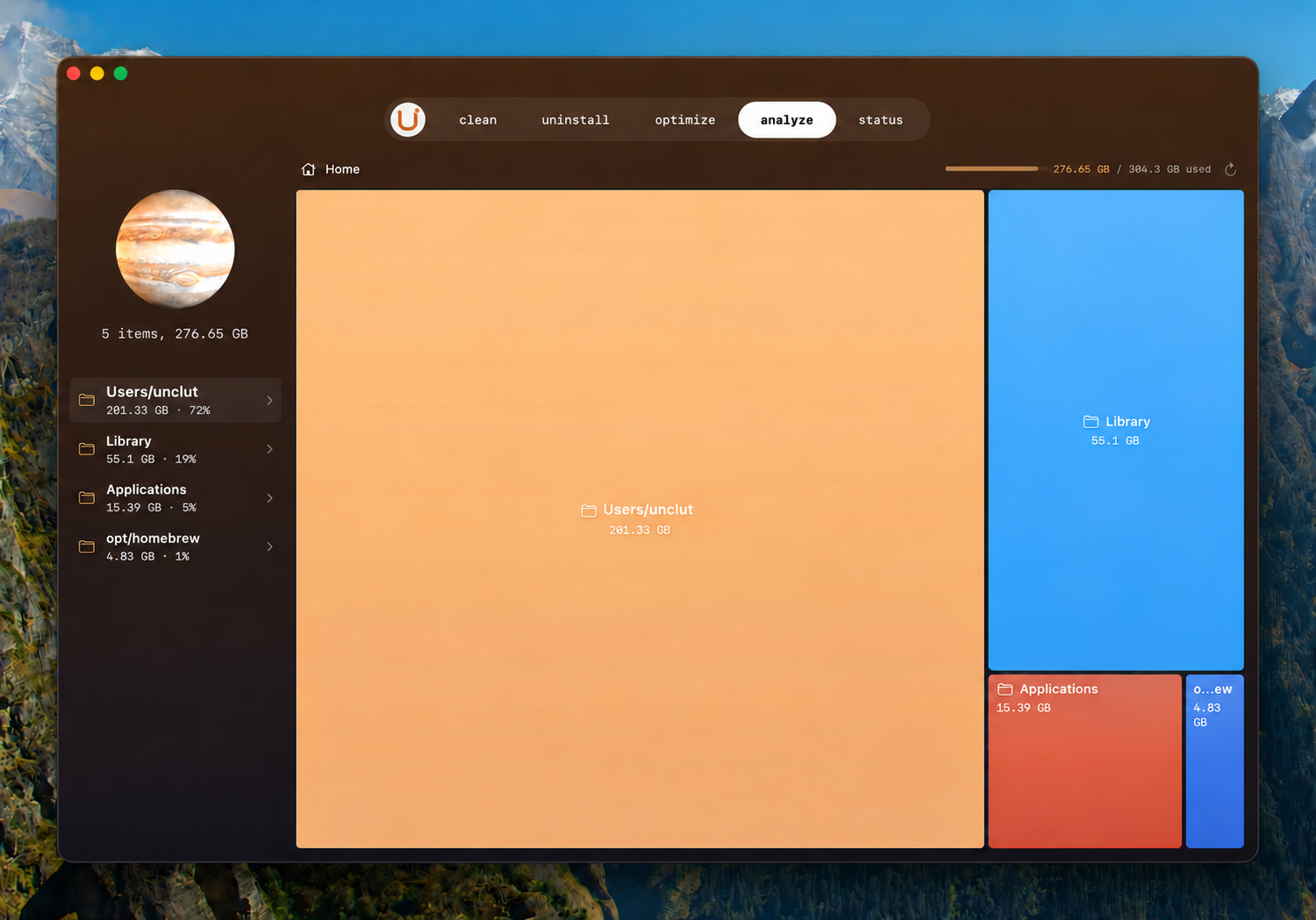
Illustrative app preview. Final Unclut release may differ.

Five tools,
one place.

Clean

Review what can be removed.

Uninstall

Find apps and their leftovers.

Optimize

Handle routine maintenance.

Analyze

See where storage goes.

Status

Watch your Mac at a glance.

01 · The Five

Five tools, one place

A closer look at the macOS utility shown in the prototype.

  1. CleanReview the clutter.

    Explore caches and temporary files, then choose what to remove.

  2. UninstallLeave less behind.

    Find applications and related files together before removing them.

  3. OptimizeKeep up with your Mac.

    Bring routine maintenance tasks into one view.

  4. AnalyzeFind what takes space.

    Browse a visual map of files and folders on your disk.

  5. StatusSee the whole picture.

    Check system activity, memory, disk, and other metrics at a glance.

02 · The approach

Review first, then decide

The Unclut prototype is designed around clear information and deliberate action.

  1. 1See what is there.Understand which files or apps are asking for your attention.
  2. 2Choose what stays.Review the details before taking action.
  3. 3Made for the Mac.The installation flow is intended for macOS desktop.
  4. 4One focused workspace.Five views cover the everyday jobs shown above.

03 · Questions

Good to know

What happens when I click Download for Mac?
This page opens a message for other devices with a link to open on your Mac.
Is there a Windows installer?
No Windows installer is included. This page always shows the information window, on every device.
Are these final Unclut screenshots?
These screens illustrate the intended interface. They are not screenshots of a released Unclut build.
Does this page send conversion data?
No. This page does not load the X Pixel or send analytics events. Read the privacy notice.